iPhone In review
Chartra: Unlimited PDF Scanner
Scan a page, fill it in, sign it, and when you black something out, it comes out for real — not hidden under a rectangle someone could drag away. That part we did not phone in. Nothing is uploaded, which matters most when the thing you are hiding is the reason you care.
Free to scan, with OCR included
$19.99 once to remove the ads. No account, no subscription, no page limit. That is the whole deal.
Email me the day it is liveFree to scan. No subscription, ever.
What the others charge
- CamScanner~$9.99/month after promo
- Scanner App$7.99/month, $24.99/year
- Genius Scanfree to scan — OCR is behind the paywall
- Adobe Scanfree app, premium needs an Acrobat subscription
- Chartrafree with OCR — $19.99 once to drop the ads
Genius Scan charges for OCR. Mine is free, and the only thing you can ever pay for is turning the ads off. Prices checked August 2026.
What it does
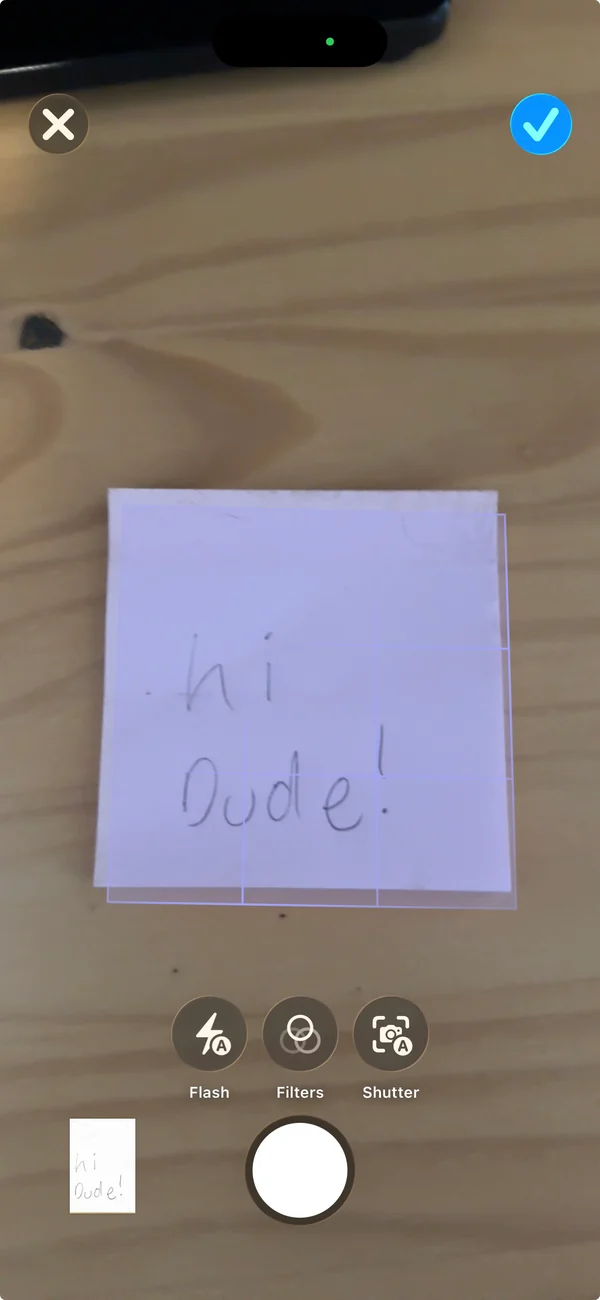
- Scan — automatic edge detection and perspective correction, any number of pages.
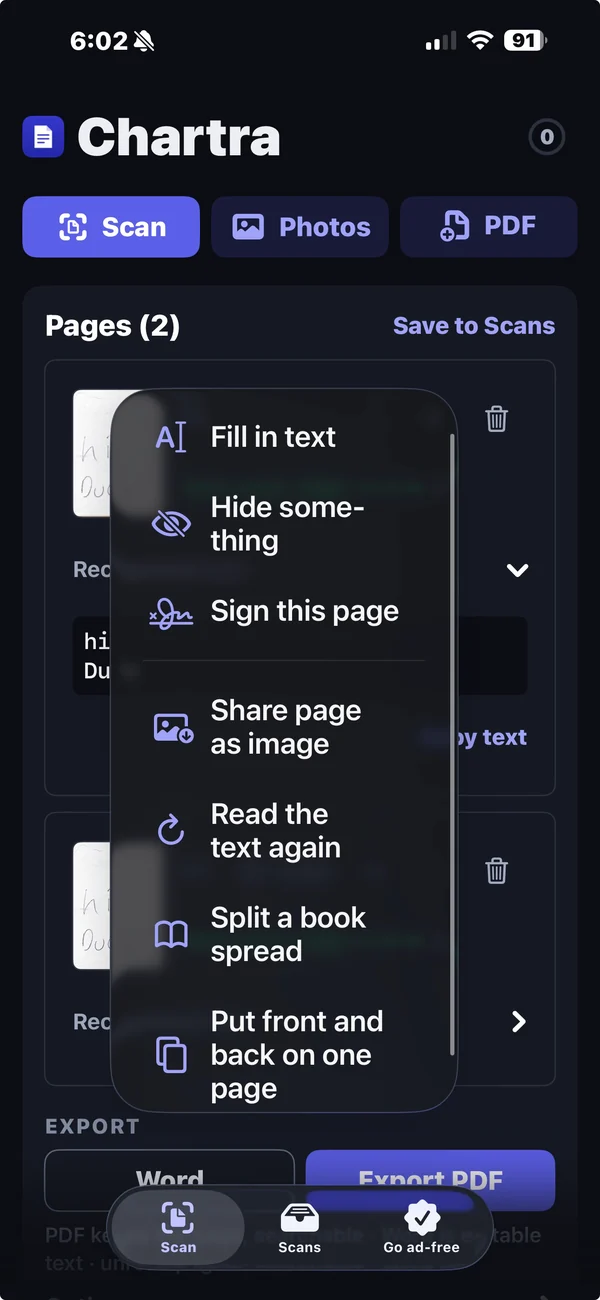
- Read — recognises printed text and handwriting, so the result is searchable.
- Fill — type onto a scan that has no form fields.
- Sign — drawn once, remembered, placed where you want it.
- Hide — burns the redaction into the page. The words underneath are removed, not covered — I built it that way on purpose.
- Export — PDF with a searchable text layer, or Word as editable paragraphs.
How to use it
- Scan a page or add from Photos. Anything that is a picture of a document works, not just fresh camera scans.
- Tap a page to open it full size. Fill, Hide and Sign all live there.
- Hide anything sensitive. Drag over it. The text underneath is genuinely removed — check by searching the exported file.
- Sign if you need to. Draw once; every document after that is two taps.
- Export. PDF keeps the picture with searchable text over it. Word gives editable paragraphs.
Questions
Is the redaction real?
Yes — the page is re-rendered with the hidden region gone, so there is no text left to select or search. Do not just trust me: open the export and search for what you hid.
Does it replace DocuSign?
No, and I do not pretend it does. Those services sell an audit trail and identity checks that no local app can honestly provide. Chartra is for the far commoner case, where both parties already know each other and someone just needs a signed PDF back.
Where do my documents go?
Nowhere. There is no server, no account and no upload — not for scanning, not for reading text, not for export. I do not have a server to send it to even if I wanted to.
Why is Word text-only?
Because a Word file full of photographs of pages cannot be edited, and editing is the only reason anyone wants Word in the first place.
Keep reading
- How to sign a PDF on iPhone without DocuSign
- How to scan a document to Word on iPhone
- What is actually inside a PDF
Chartra is on the App Store. Three documents a day are free.